01
Introduction
You will learn to send homeowner links, enter project details, and handle room and curve measurements effectively.
Nexus Measure · Academy guide
Watch the walkthrough, then follow the written steps and screenshots below.

You will learn to send homeowner links, enter project details, and handle room and curve measurements effectively.
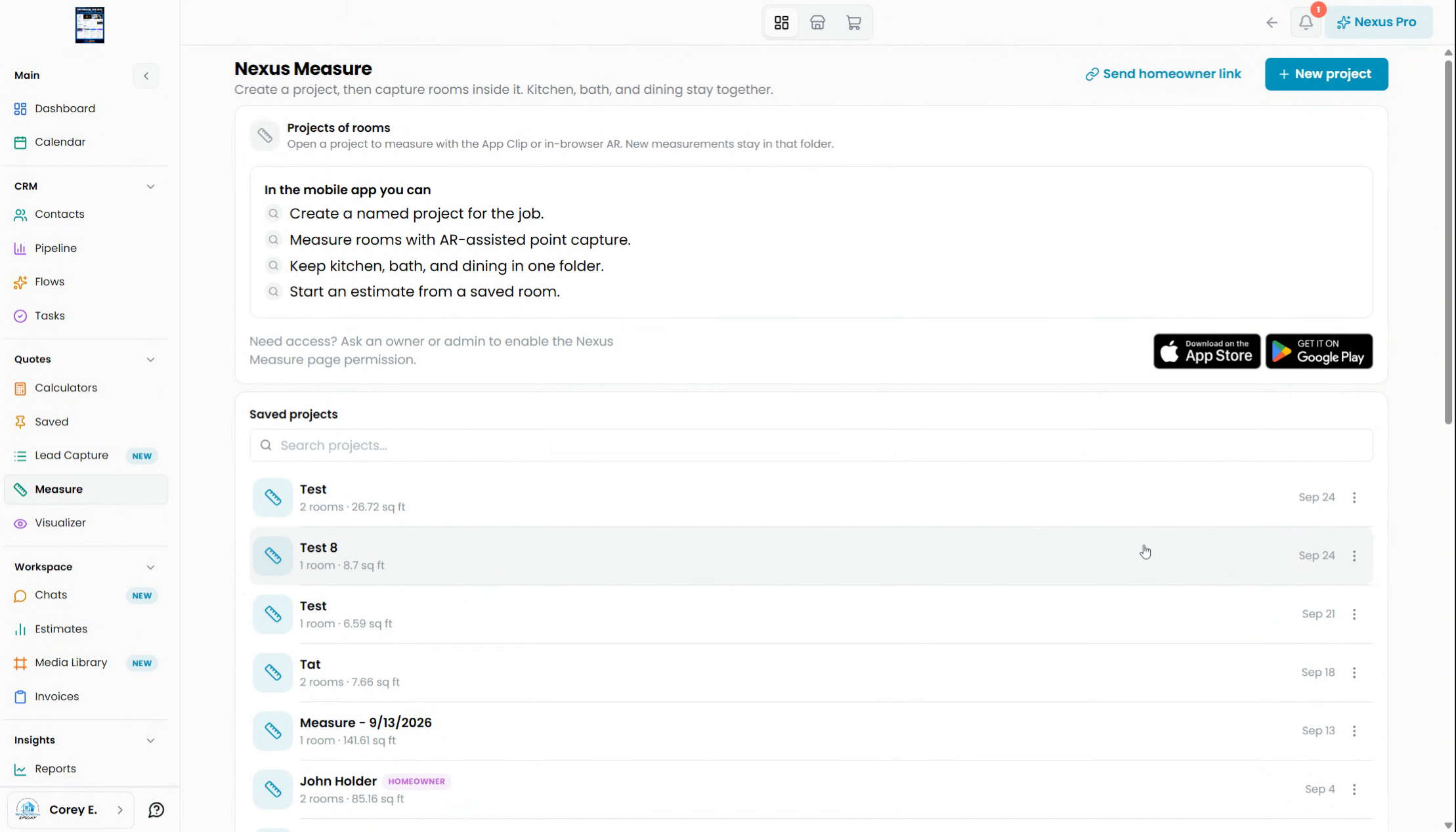
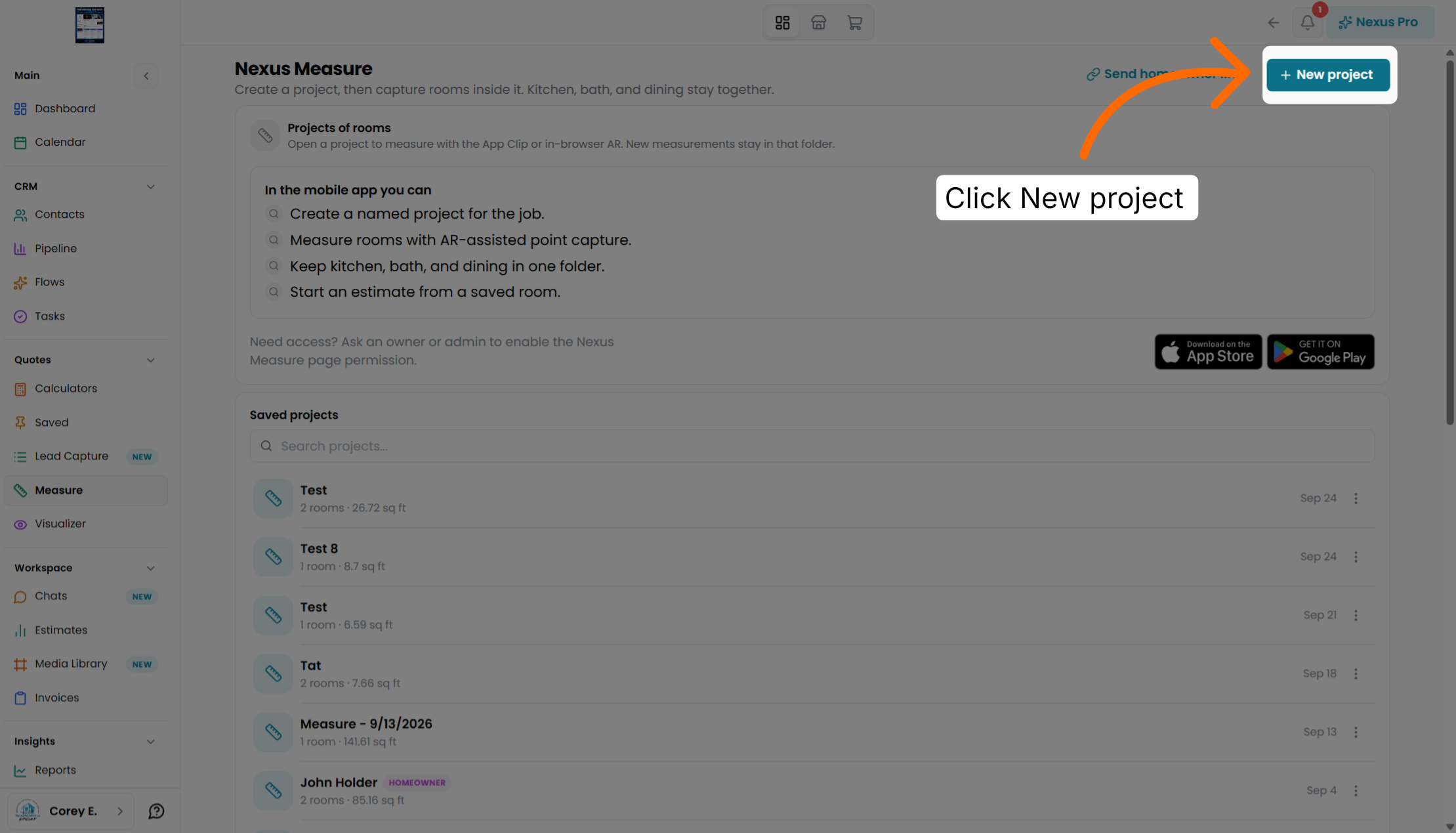
Start by creating a new project to organize your measurements within the Nexus Measure desktop application.
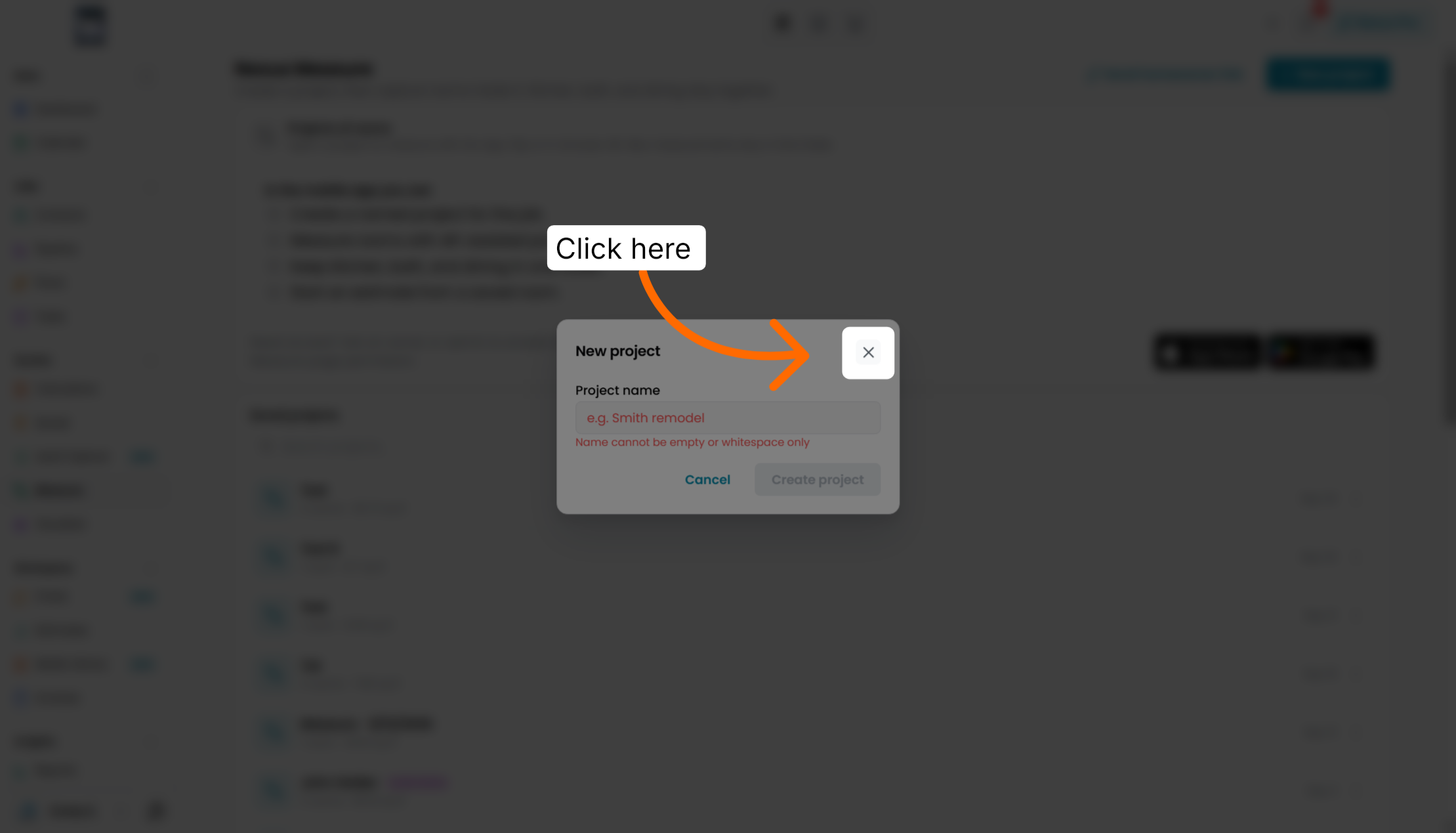
Name your project to identify it clearly for future reference and management.
Send a link directly to the homeowner to allow them to participate in the measurement process.
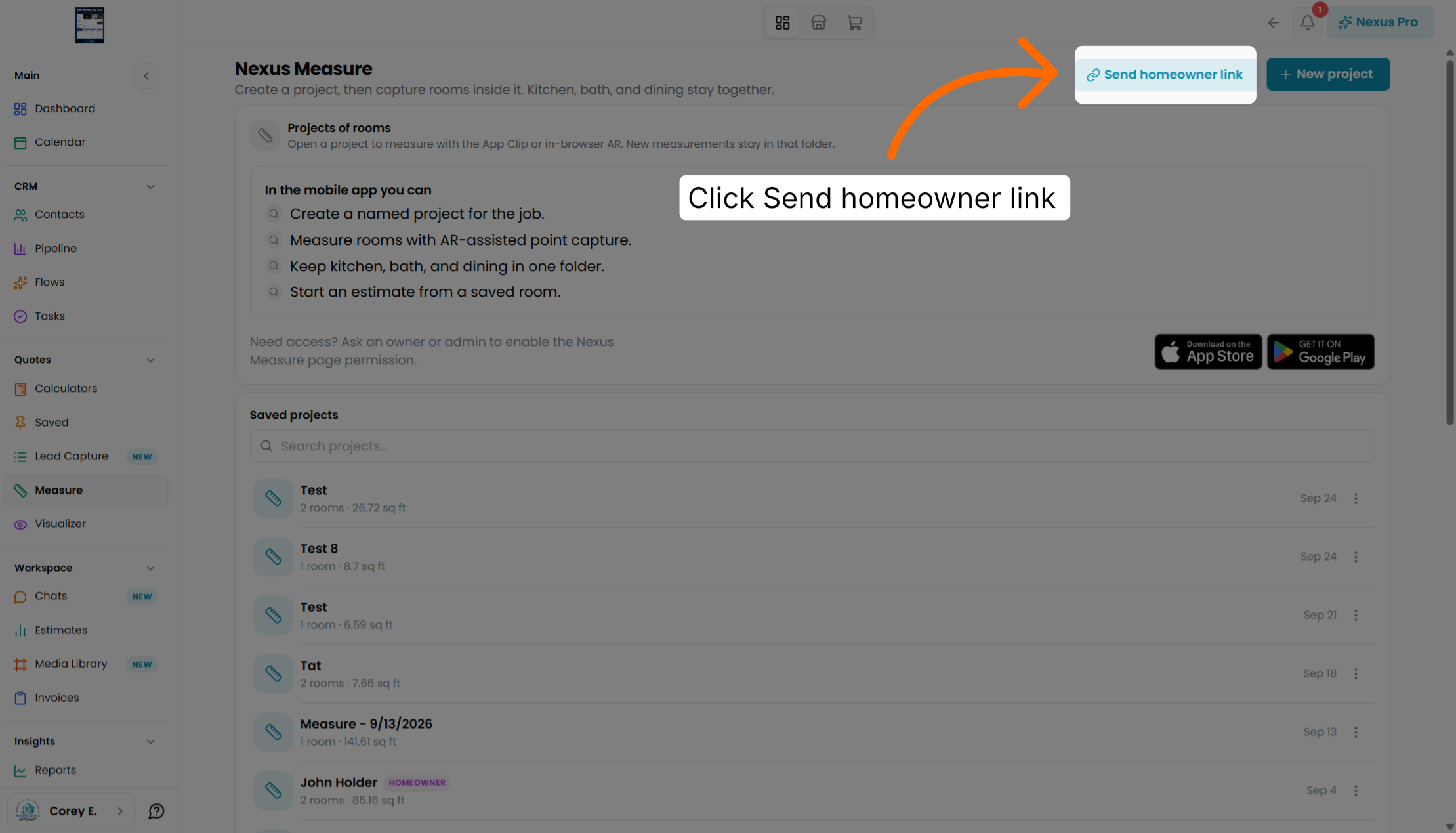
Choose the homeowner option to specify the recipient of the measurement link.
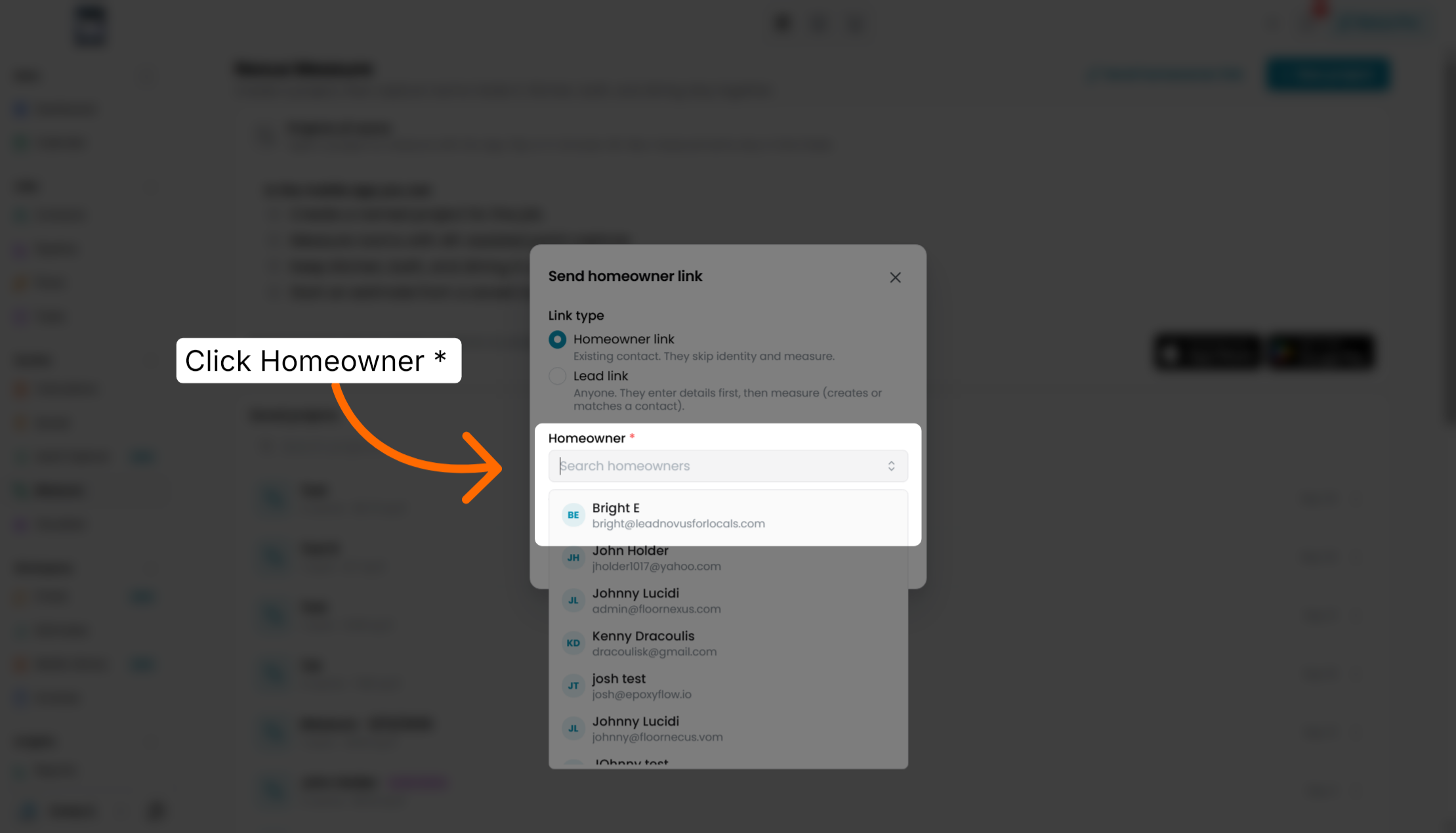
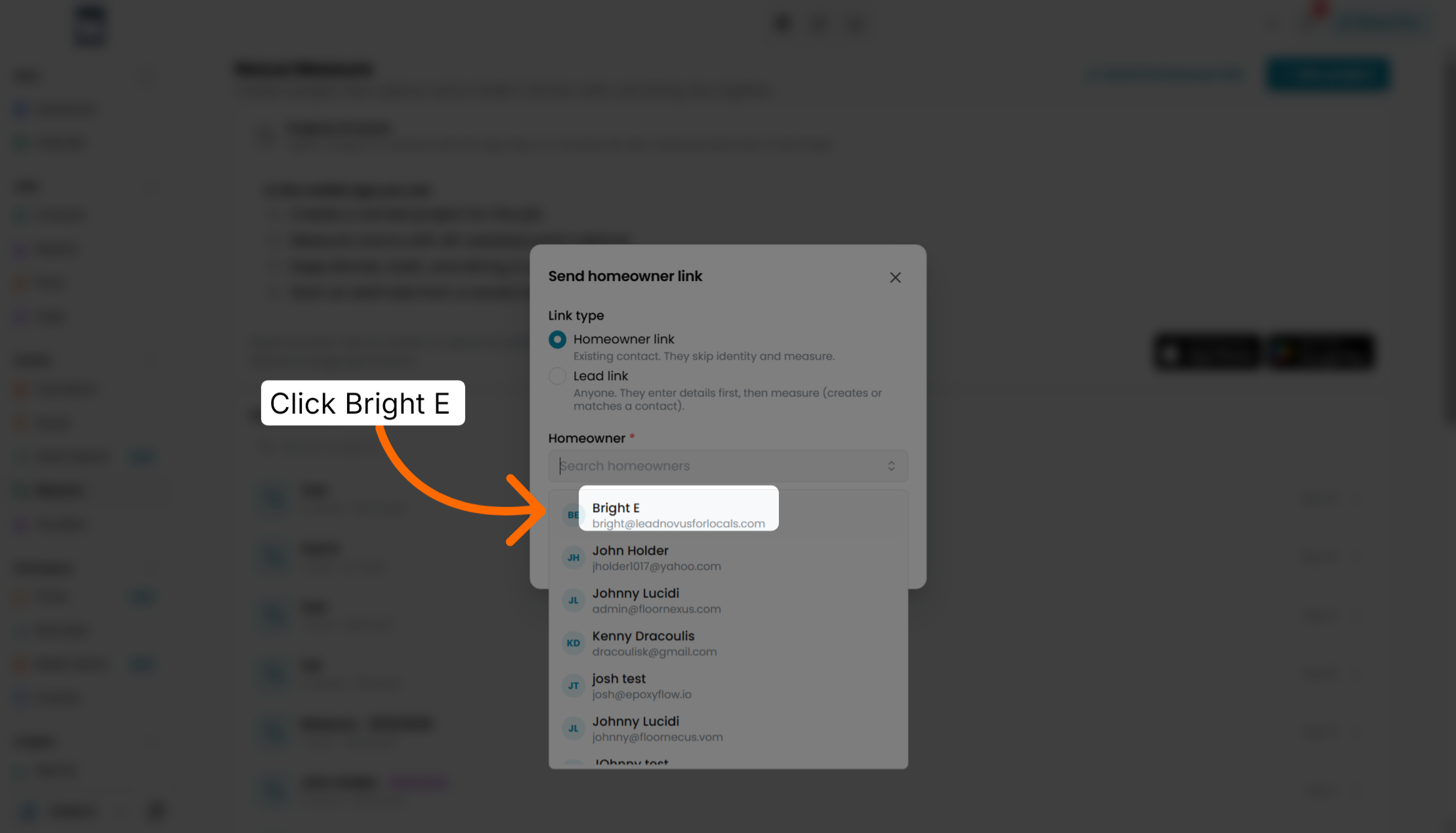
Select the homeowner contact to ensure the link is sent to the correct individual.
Send the homeowner link through the chat feature for quick and direct communication.
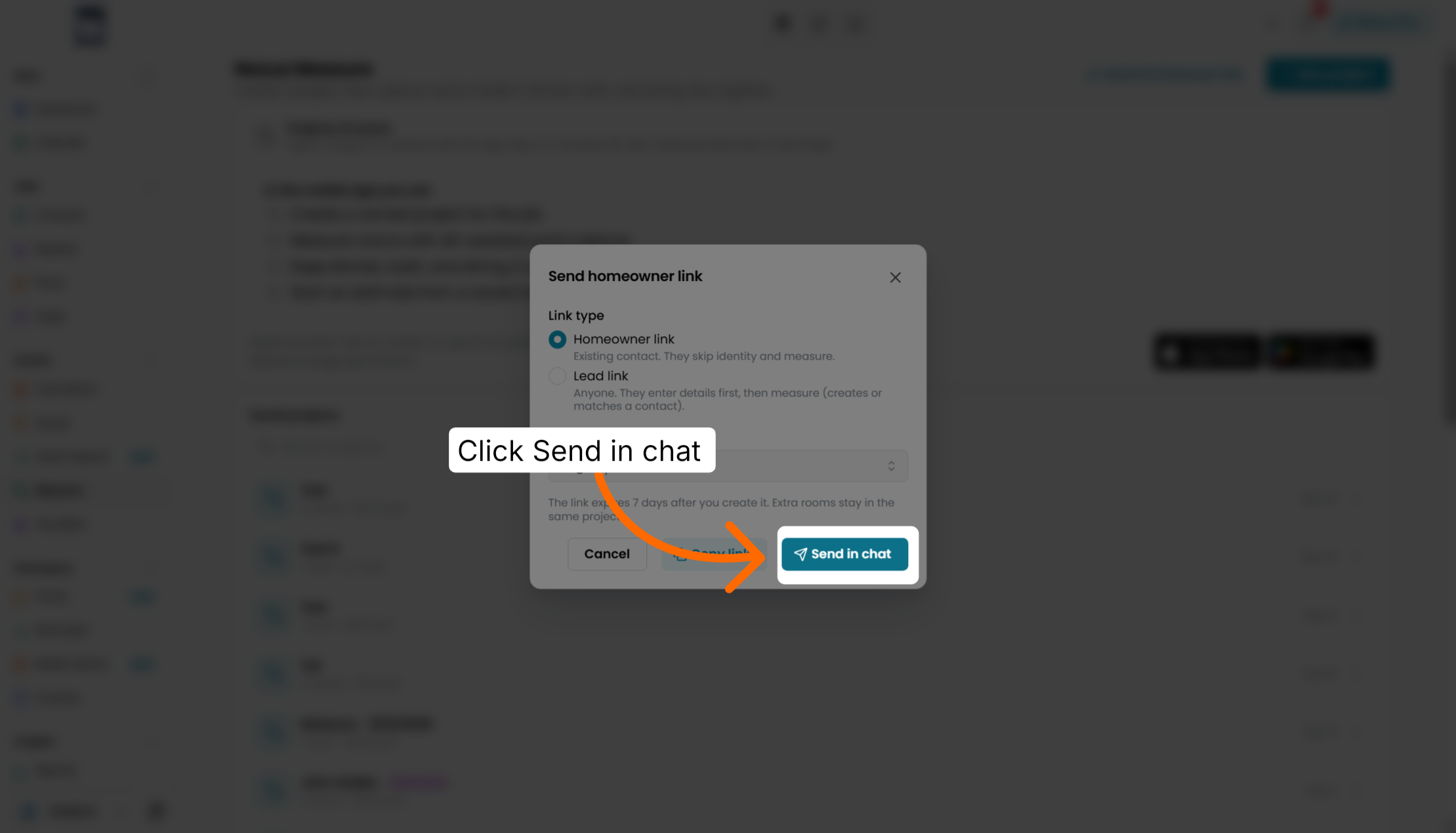
Resend the homeowner link if needed to ensure the homeowner receives it properly.
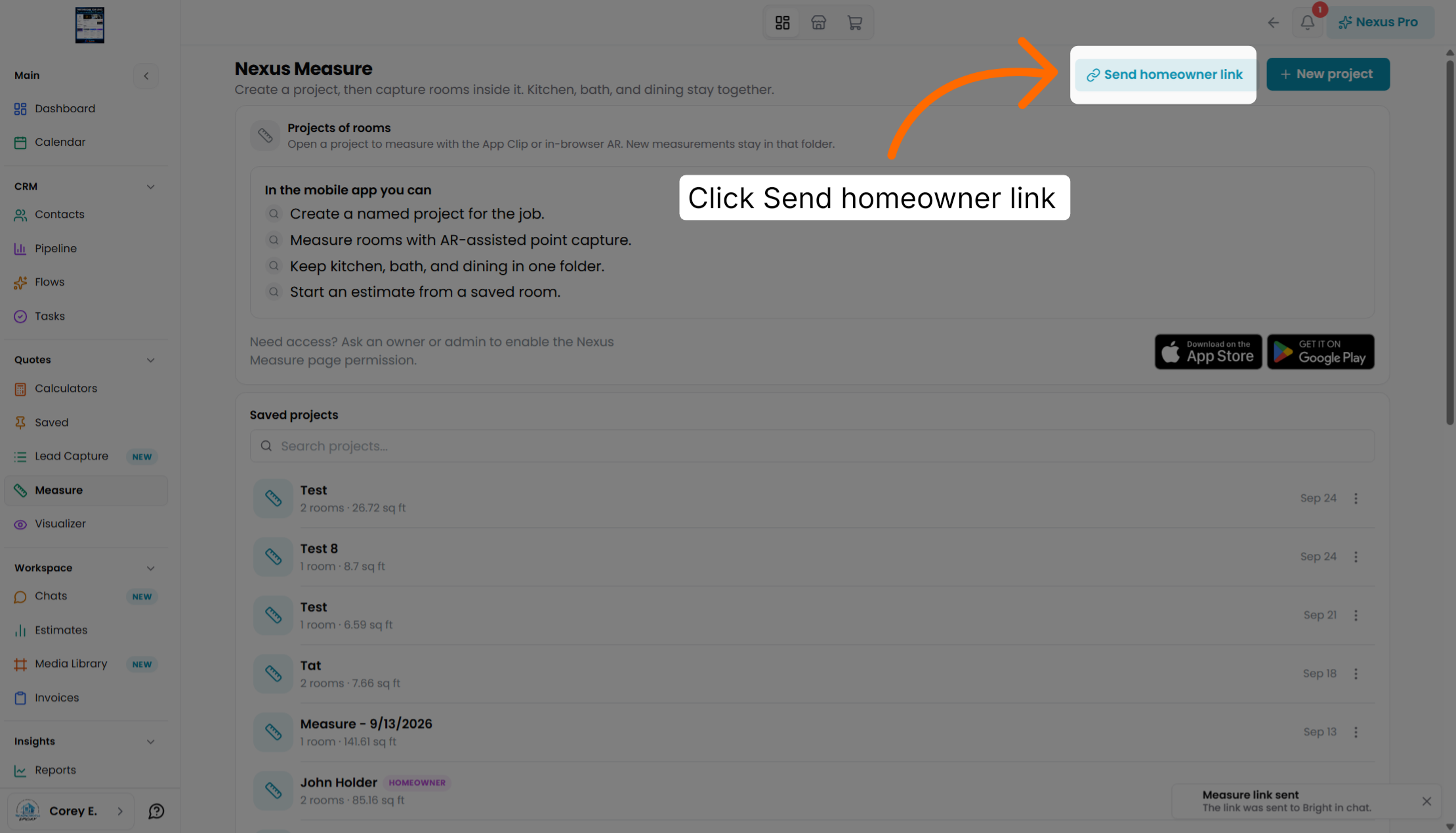
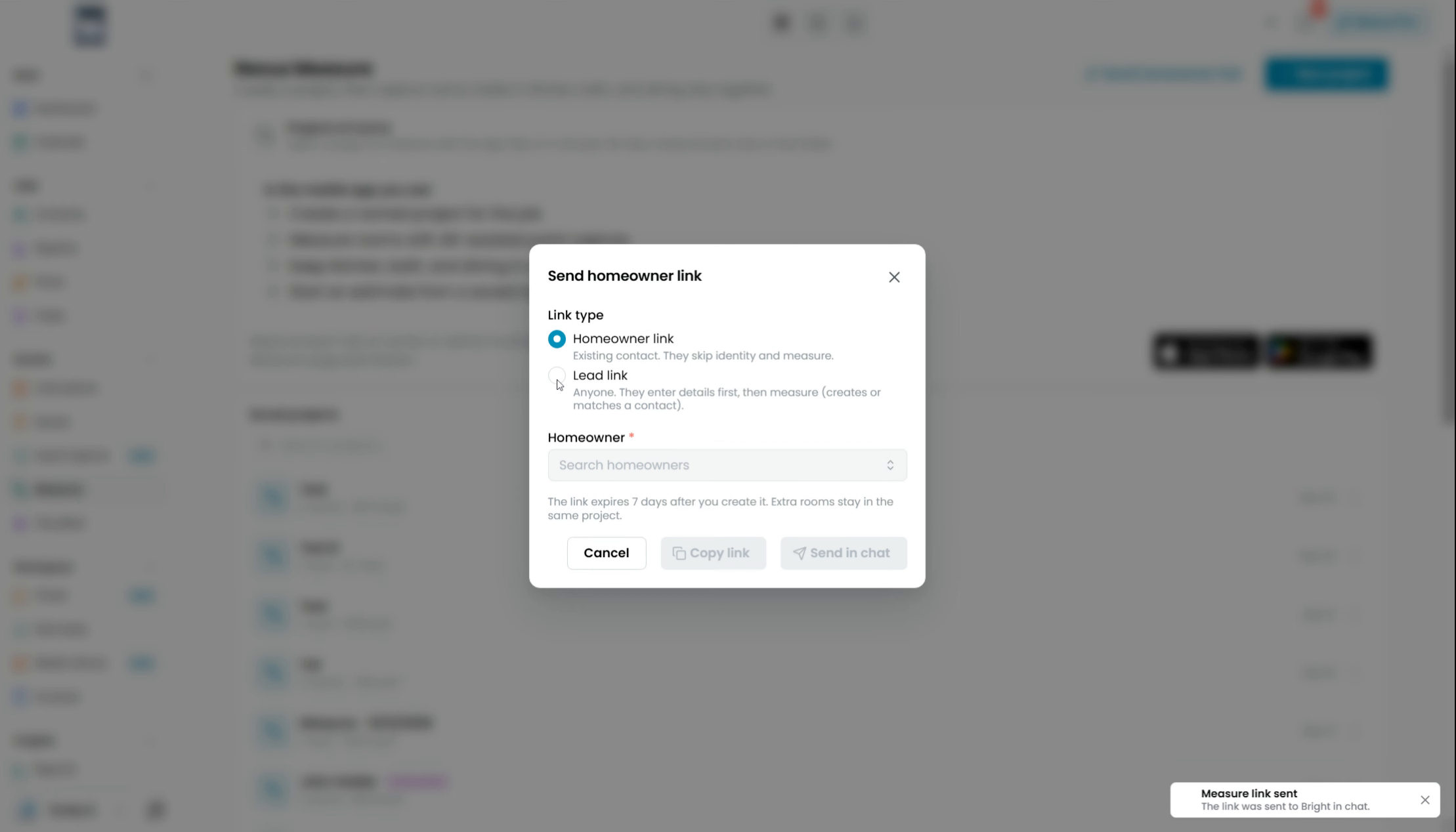
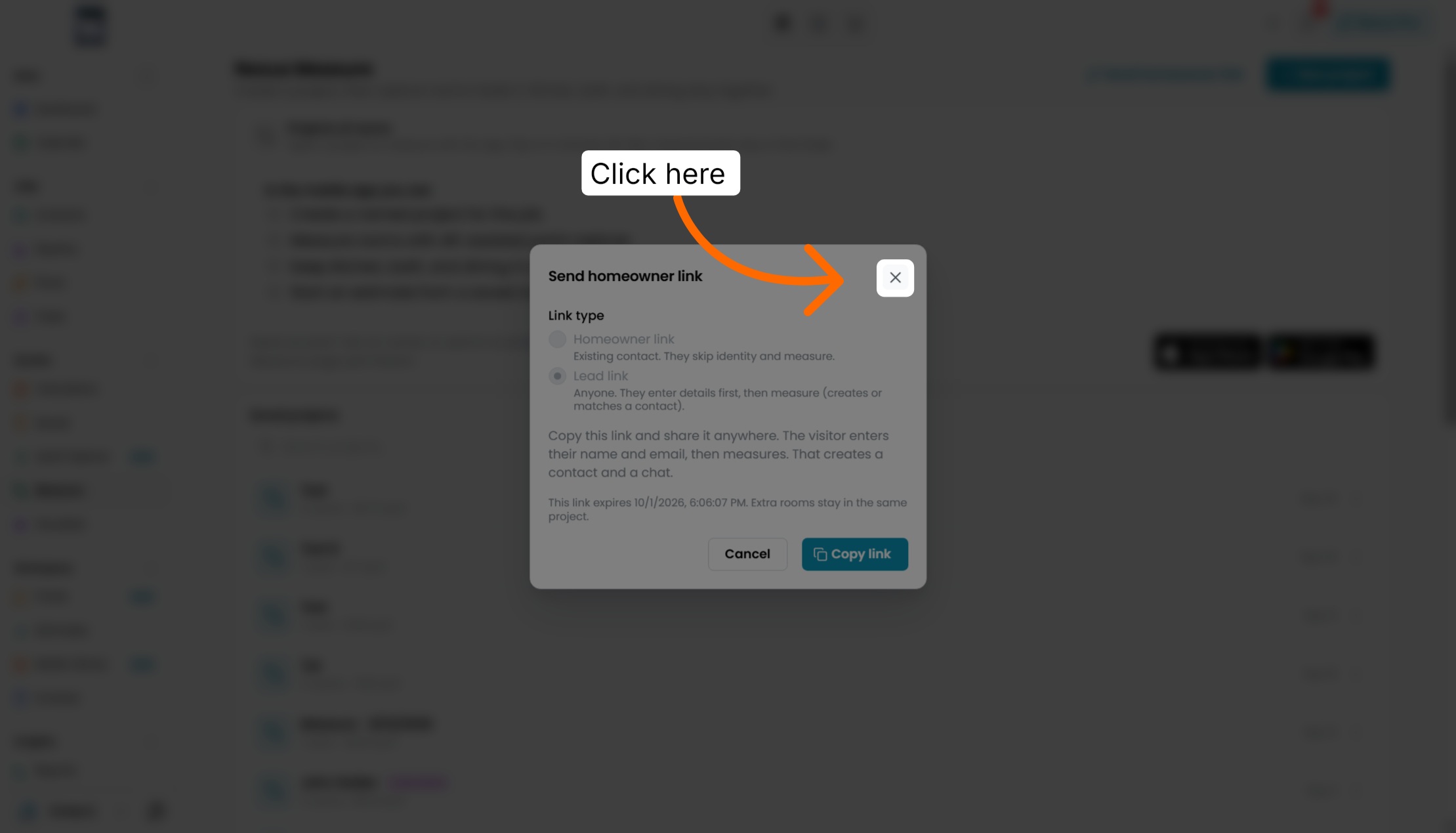
Choose the lead link to generate a unique URL associated with the project lead.
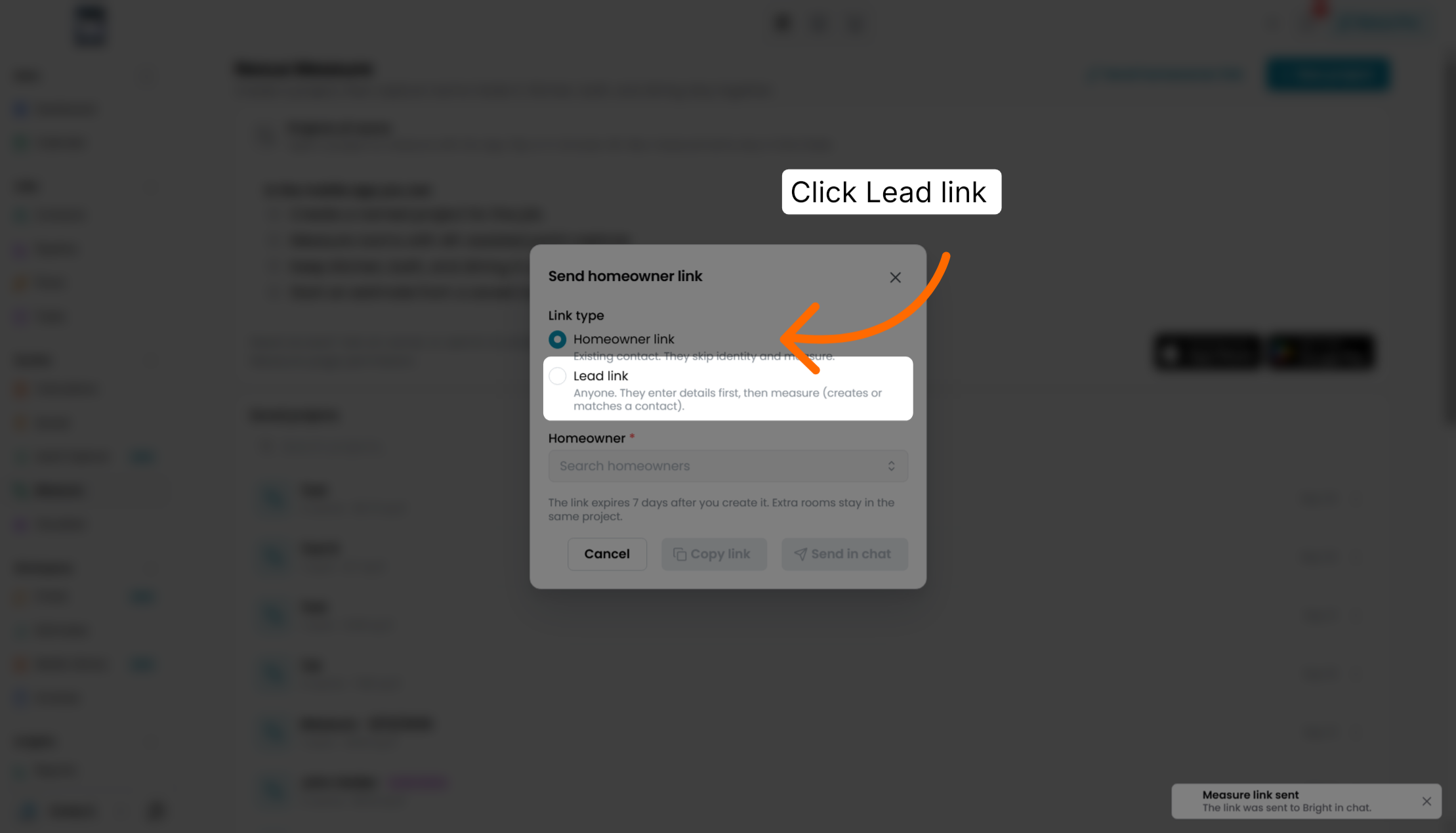
Once received, your lead will be prompted to fill in their information then given instructions on the link on how to measure.
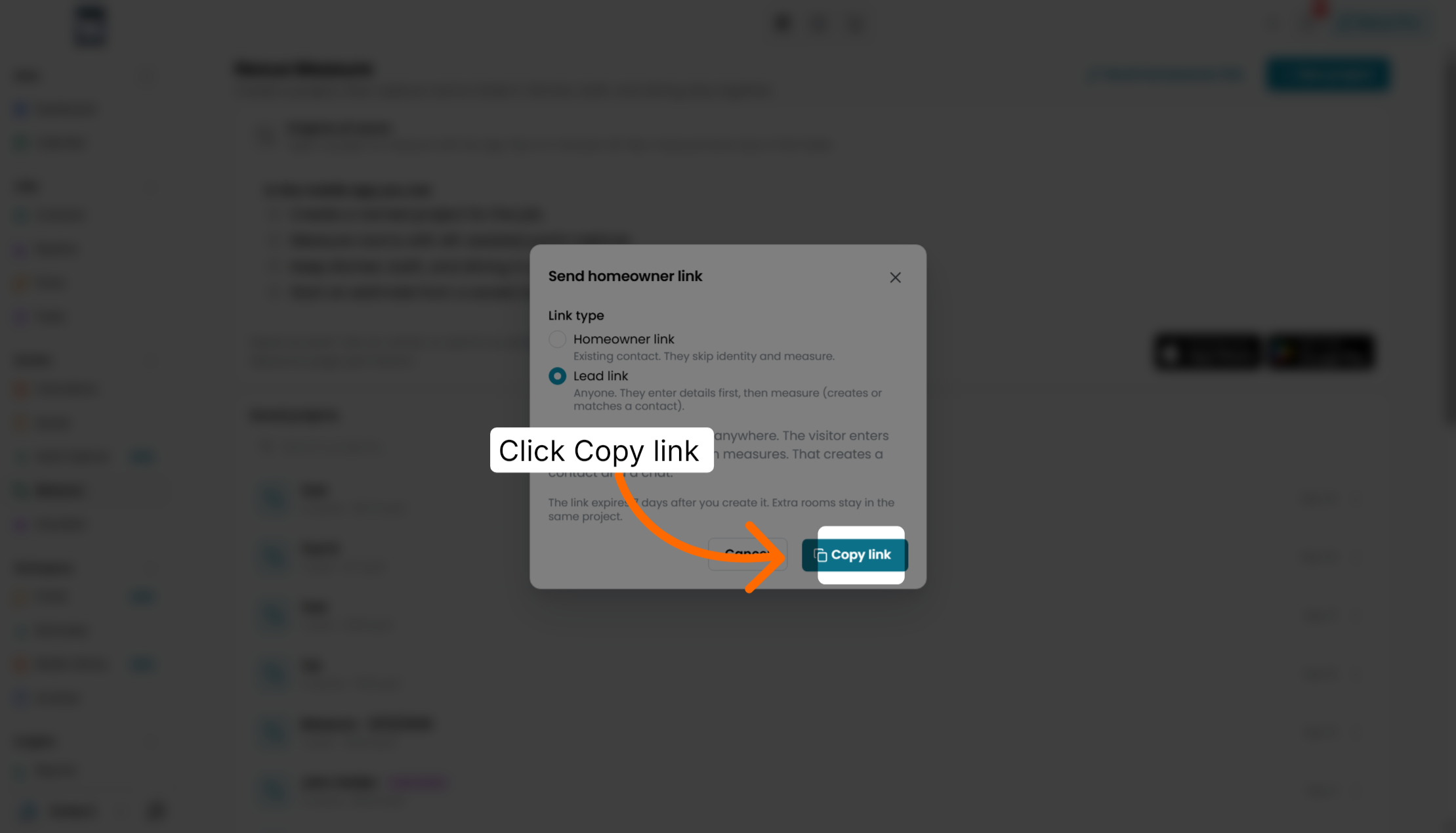
Copy the generated lead link to share it through other communication channels as needed.
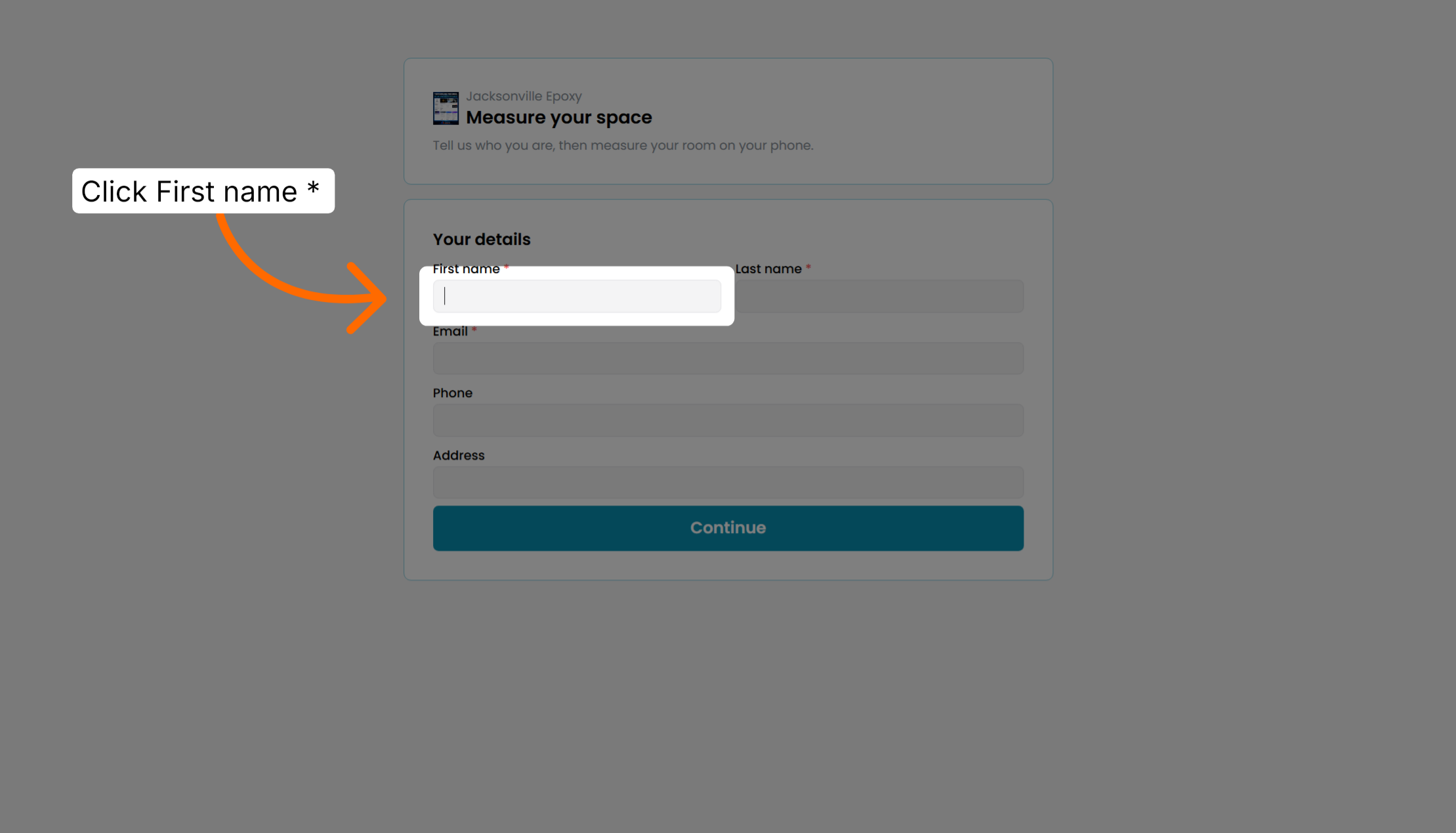
Input the homeowner's first name to personalize the project and communication.
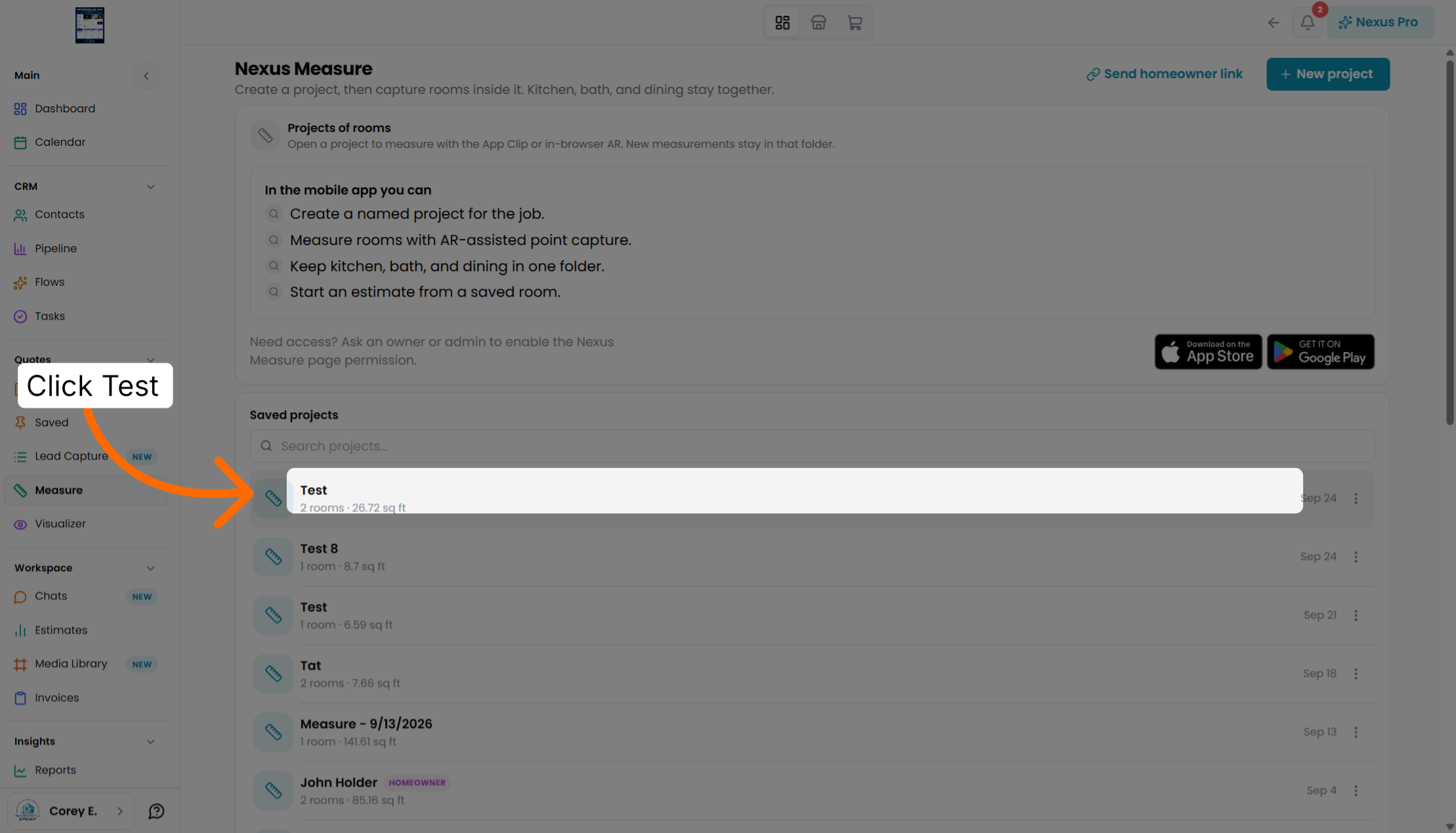
Access detailed information about the current project to review its status and contents.
View test objects that have been previously created to understand measurement examples.
Navigate to the list of all projects to manage and select different measurement tasks.
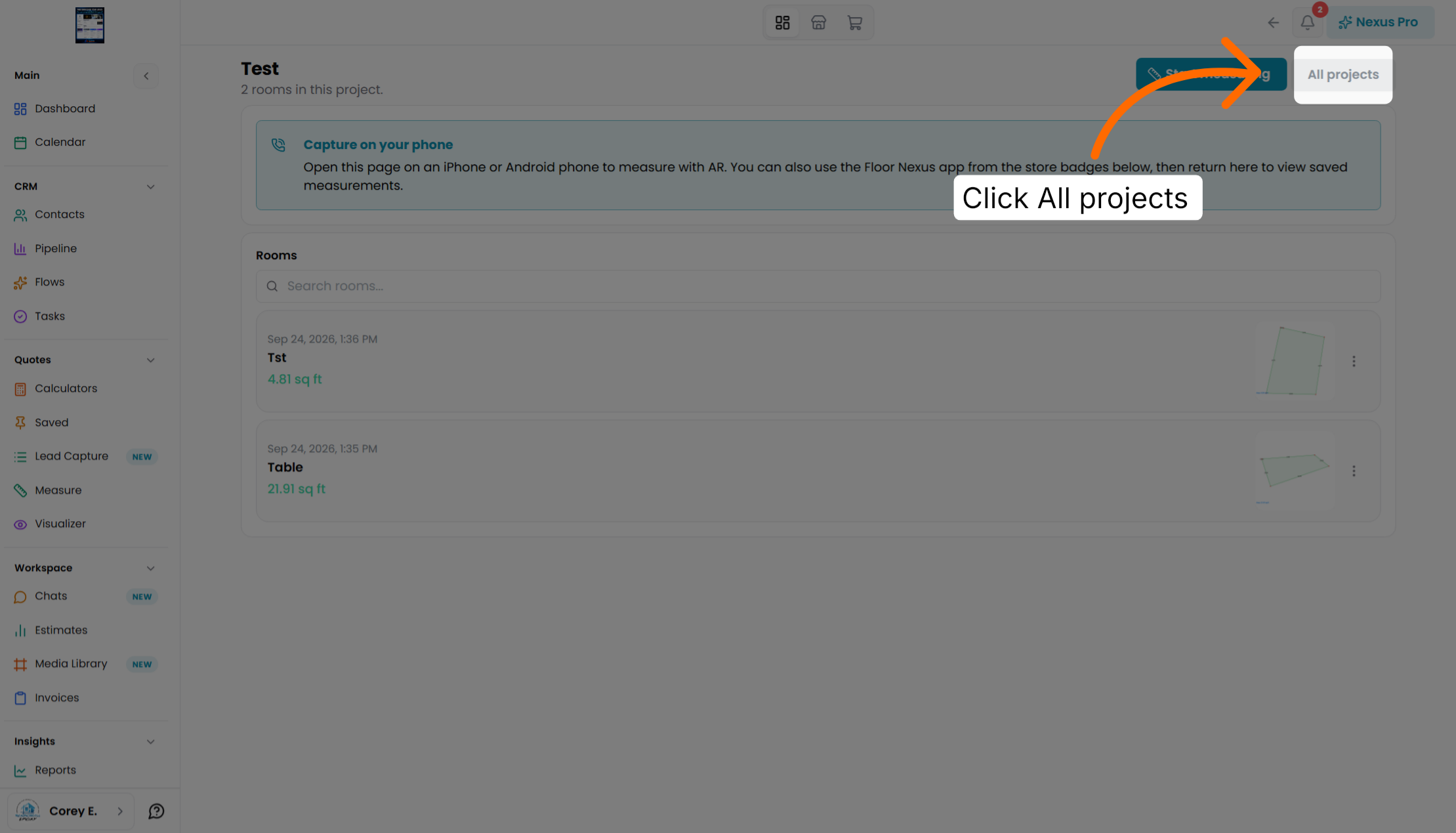
Go back to the main project overview to see the current project's summary and options.
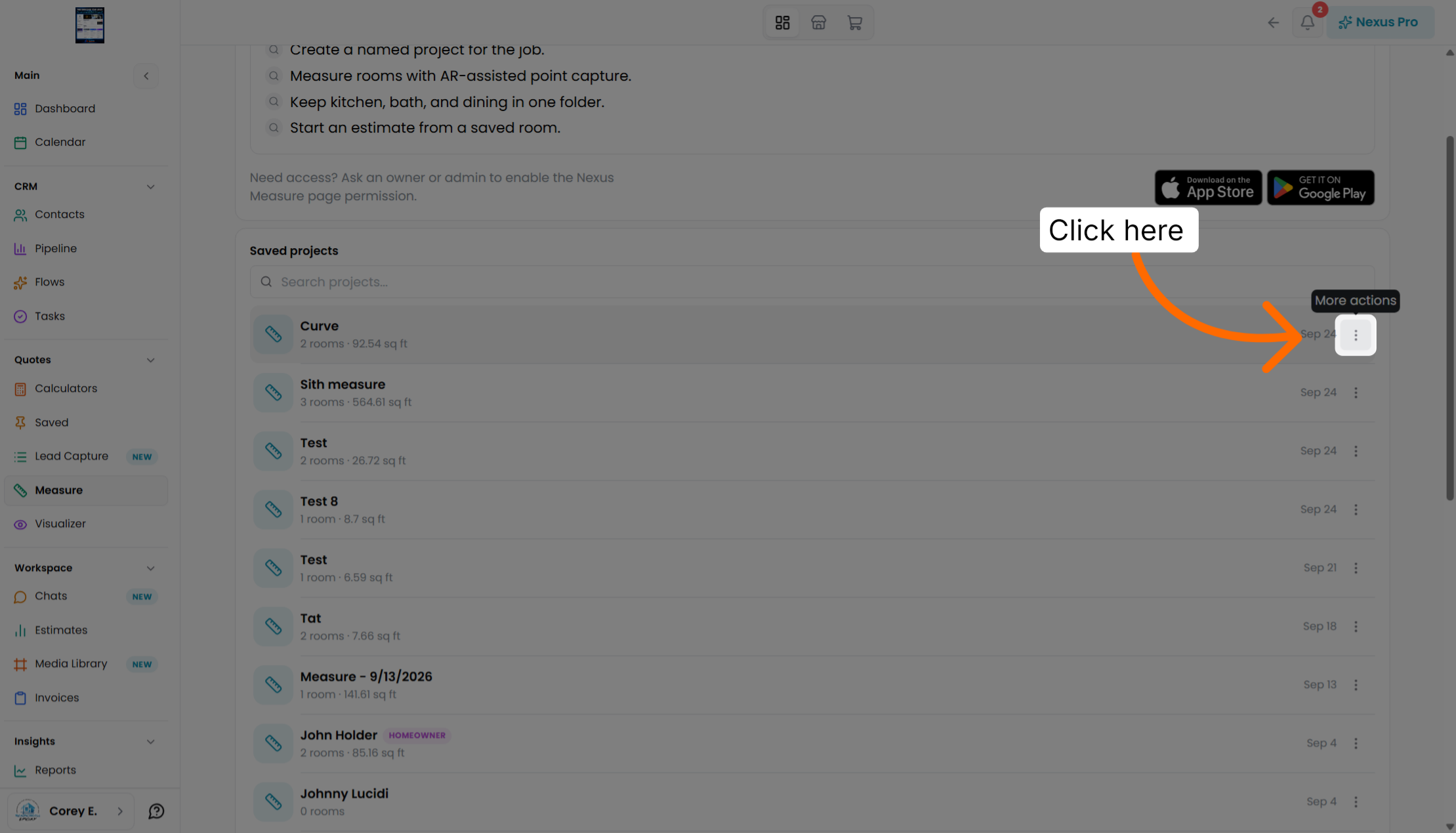
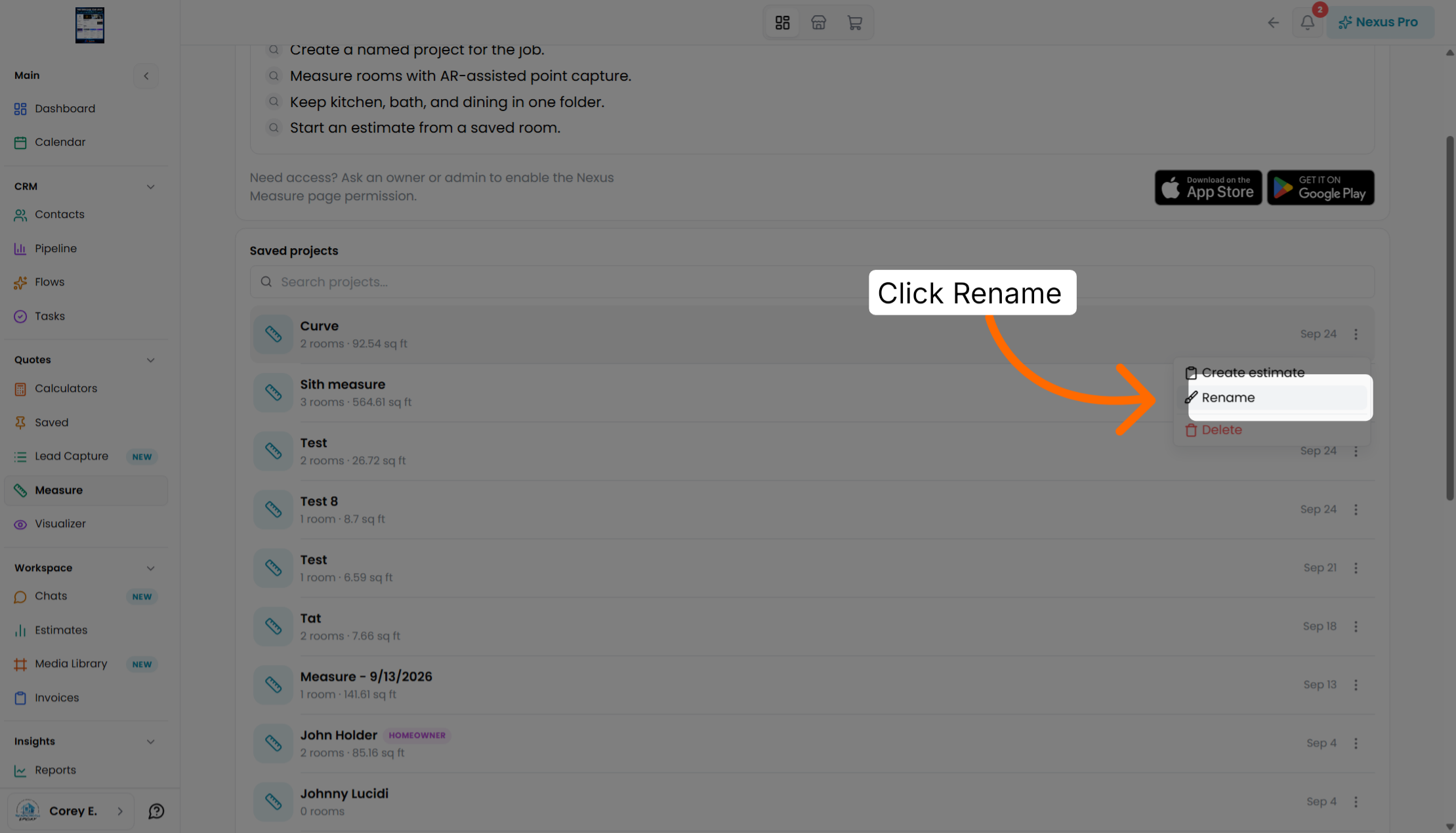
Rename the project to update its title for better identification and organization.
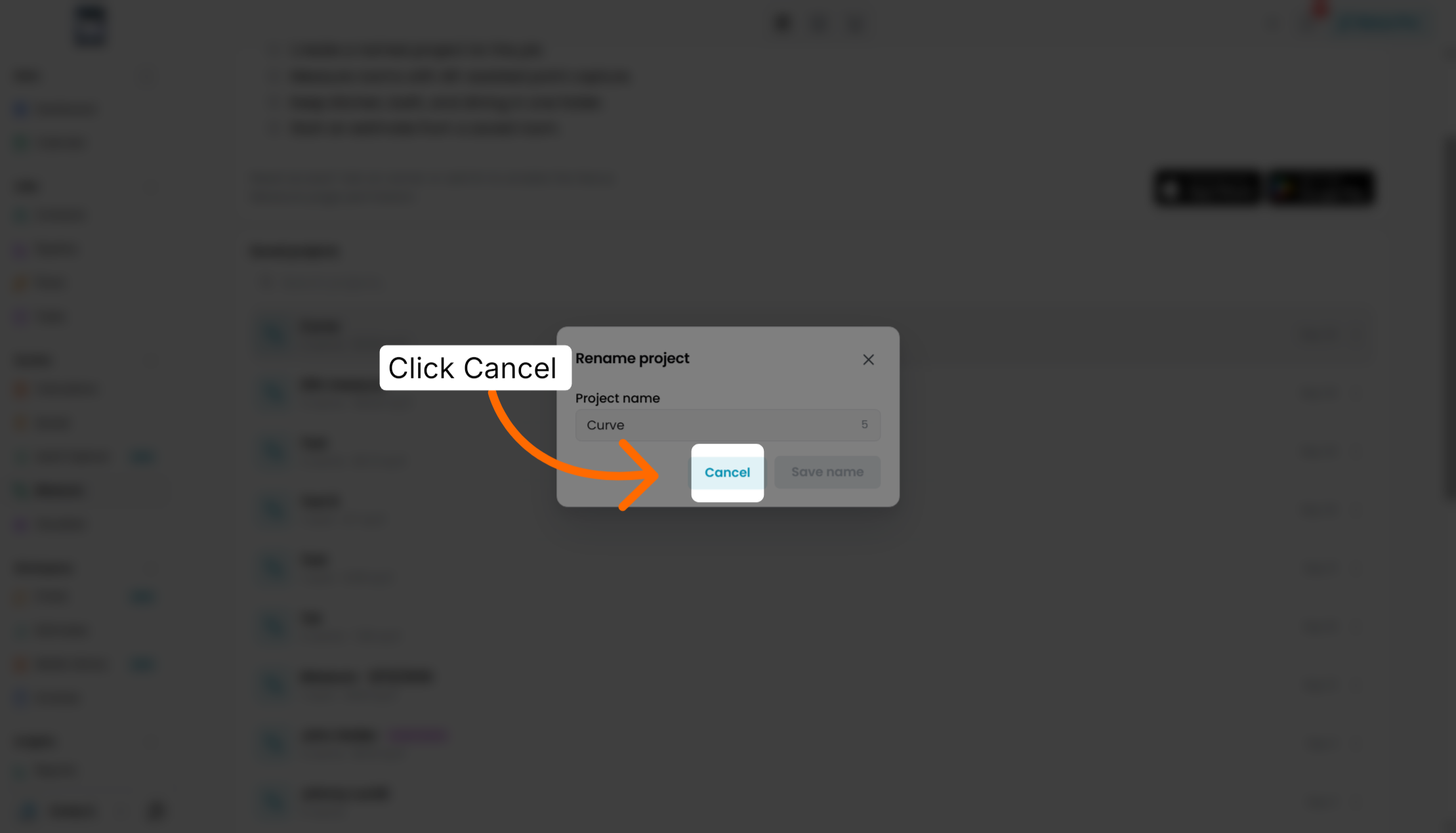
Cancel the rename action if you decide to keep the current project name unchanged.
Open the details of specific rooms within the project to review their measurements and layout.
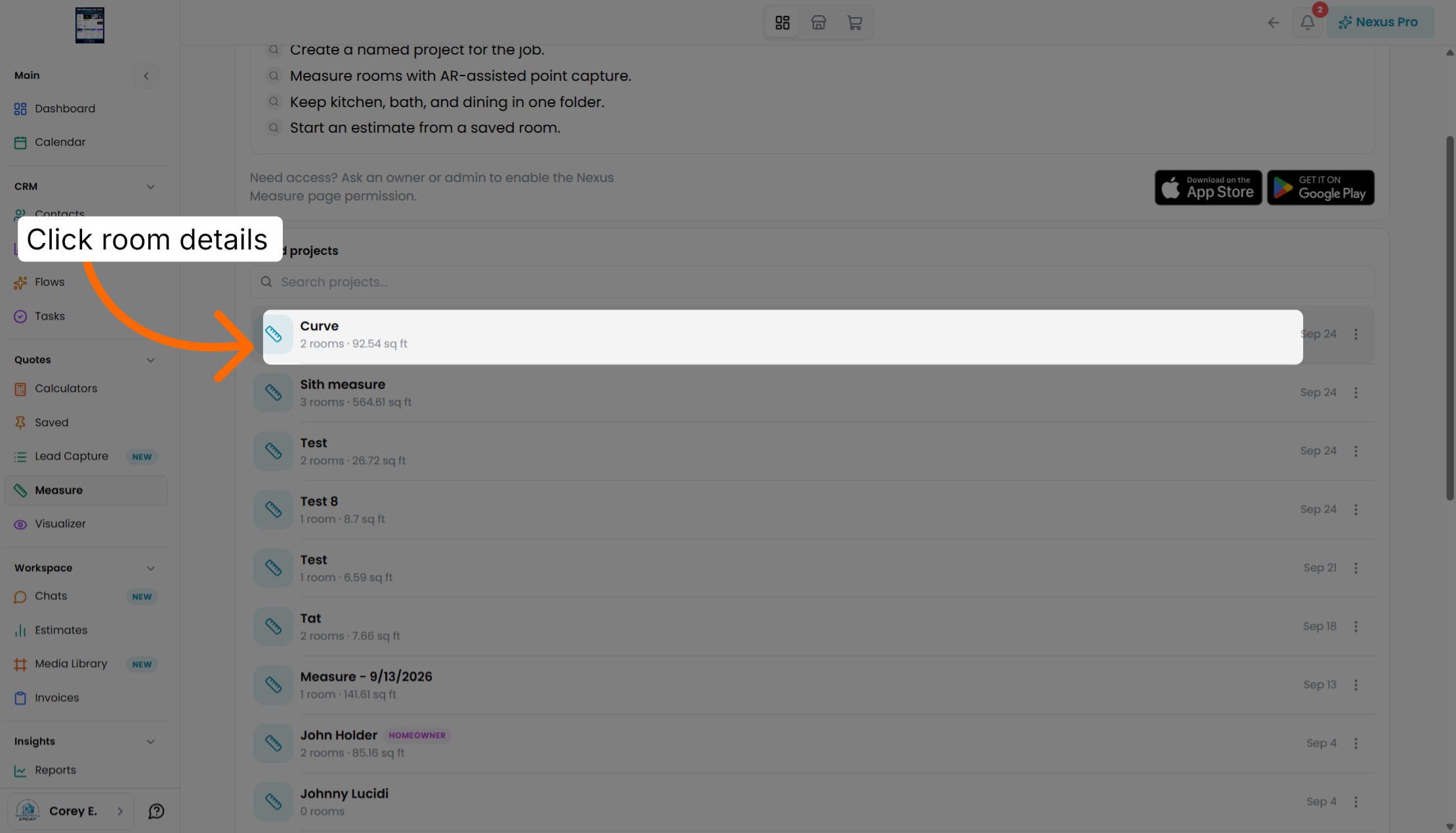
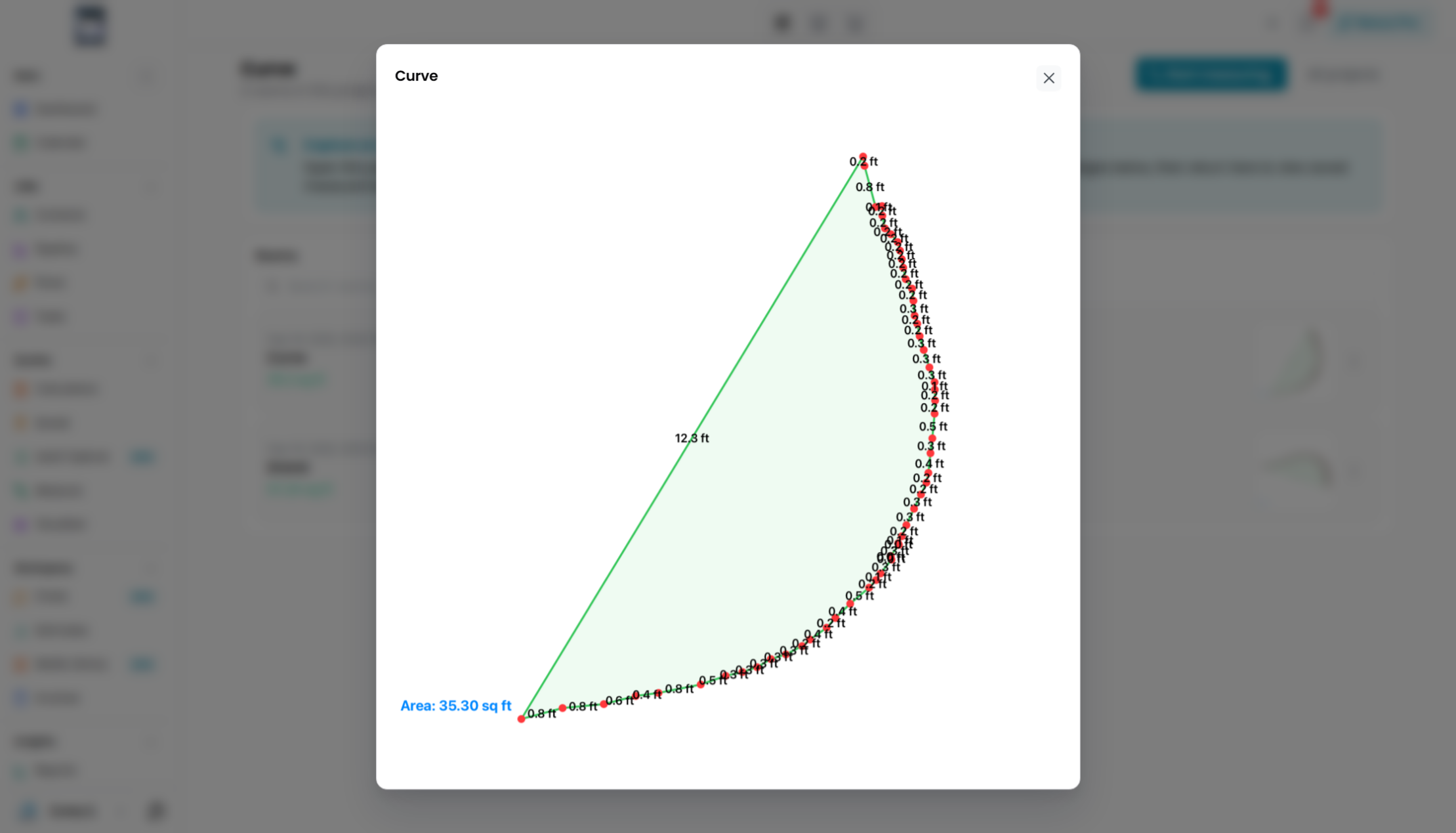
Open the curve project to examine measurements involving curved surfaces or angles.
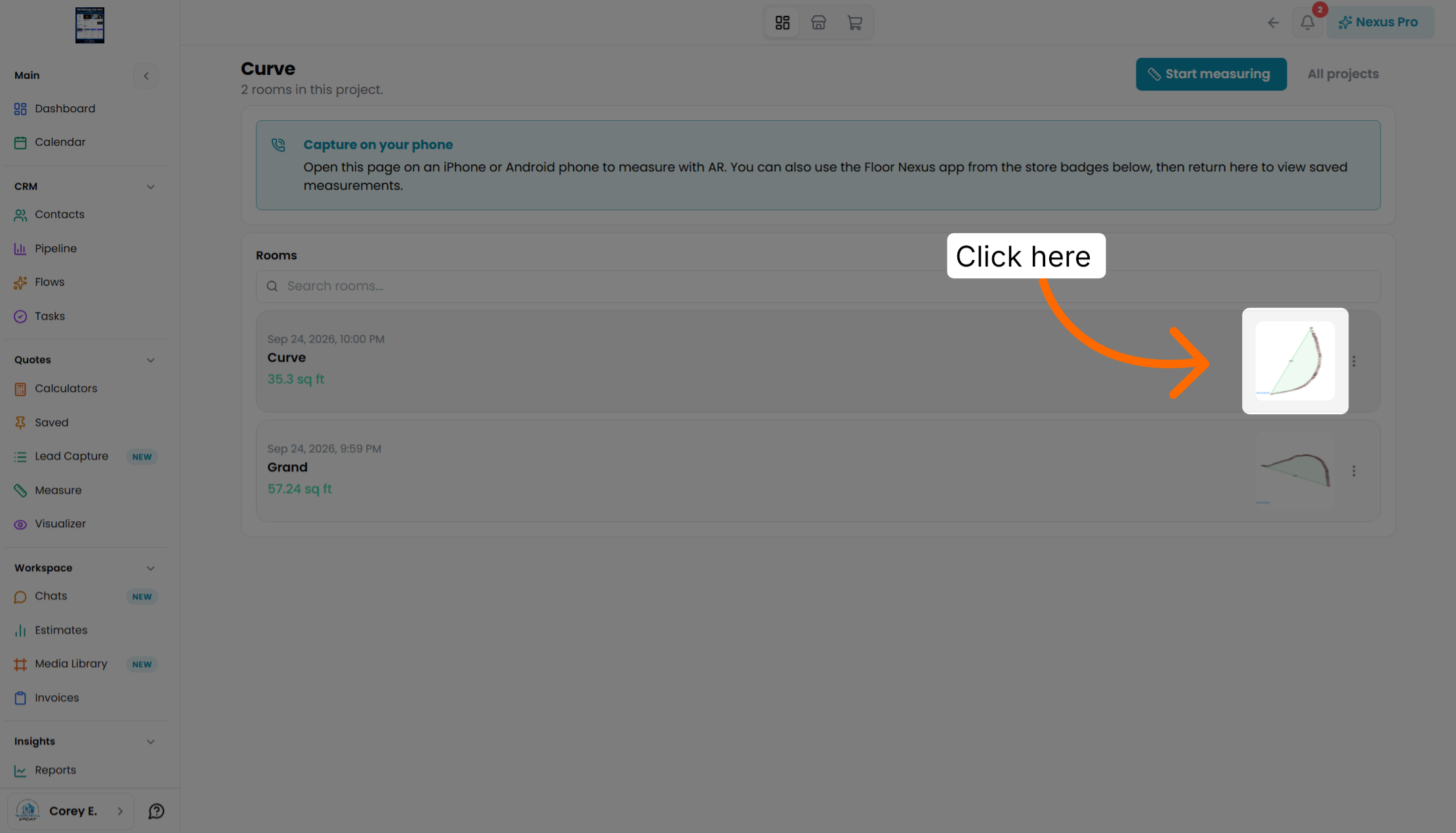
Explore how curve angles are measured and managed within the project for accuracy.